
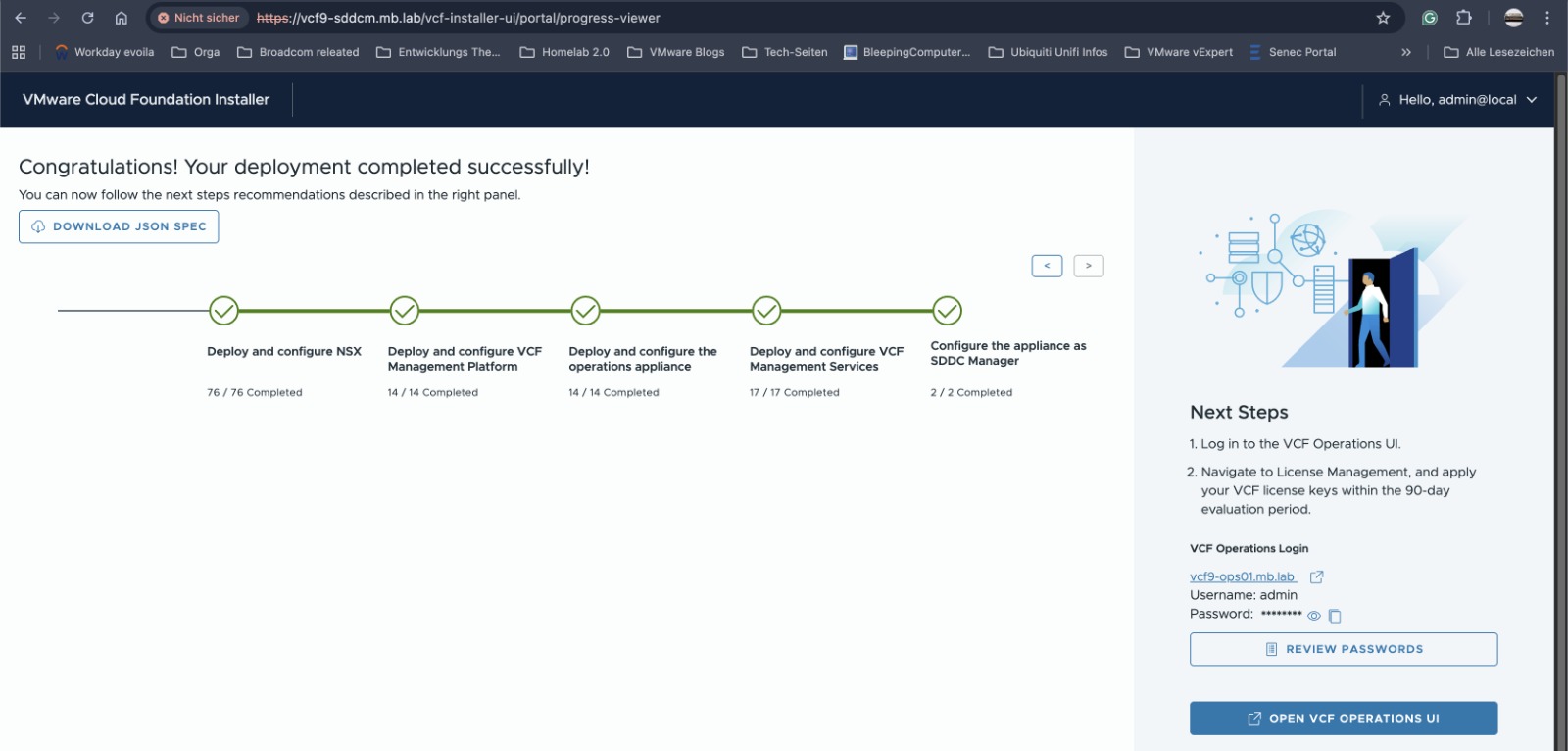
Deploy VCF 9.1 in a resource-constrained environment
Some time ago, I wanted to test the next version of VCF9 #VCF91 – the version we’re not allowed to talk about for a long time – in my lab.
For anyone familiar with my lab setup, I always test things like this in a nested environment first, as I have a dedicated host in my lab for such tests.
So I got started as usual: I had my ESX hosts created automatically – this time running version 9.x – and launched the VCF installer.
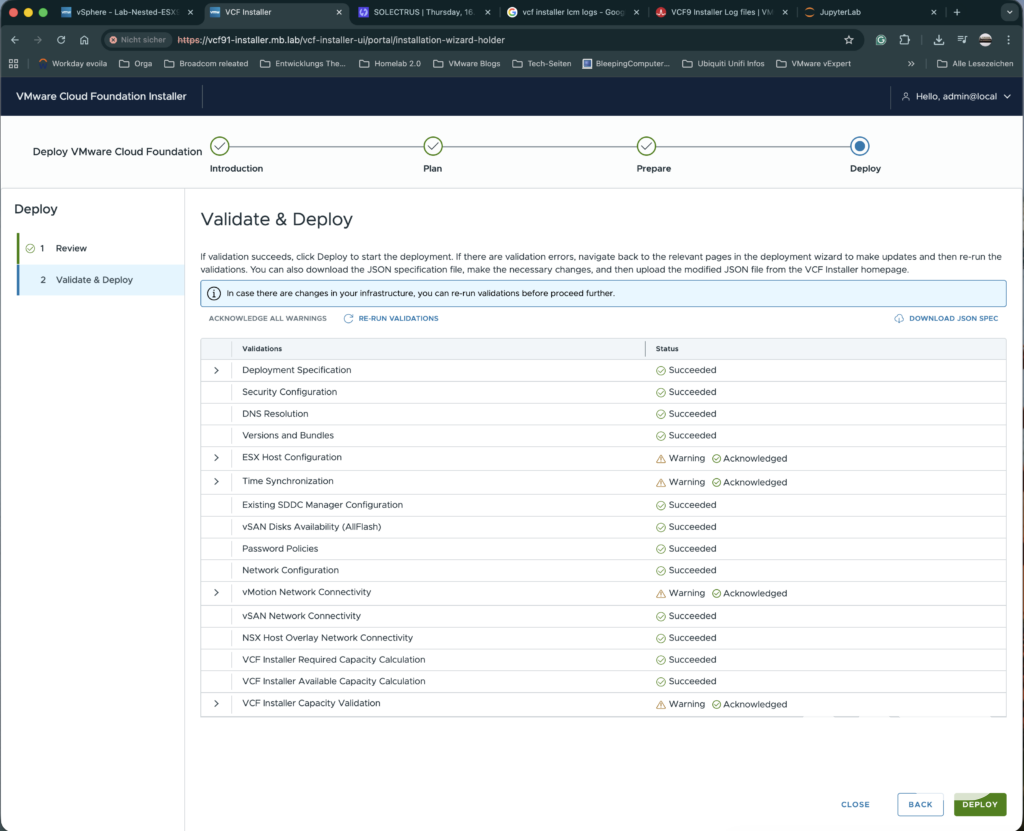
Unfortunately, after a while, the deployment of the NSX Manager failed. So I had to start troubleshooting all over again.
My guess was that, since I was running the whole thing in a nested environment, the deployment of the NSX Manager was simply too slow. I could see in vCenter how the NSX Manager VM was being created and powered on. It started to boot up, but apparently never finished, as after a certain amount of time the workflow aborted the VM with the NSX Manager and started again from the beginning. This happened three times before the error was displayed in the VCF Installer.
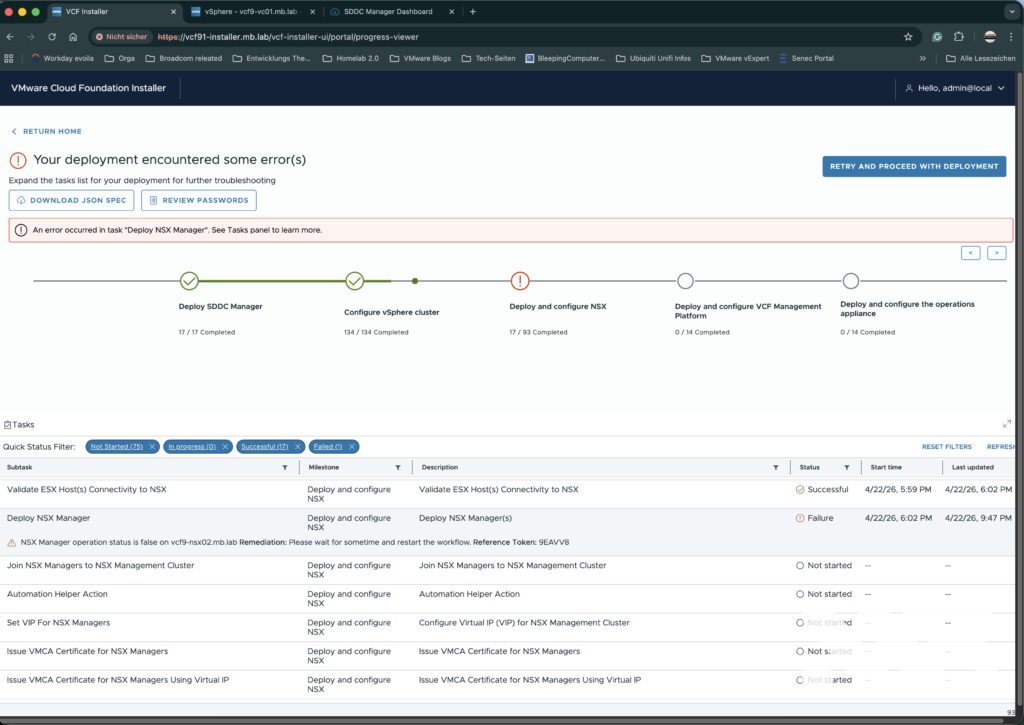
Once I’d figured that out, it was time to take the troubleshooting a step further, of course, which meant analysing log files, one of my favourite pastimes, not.
The following log files in the VCF installer may be relevant for this:
/var/log/vmware/vcf/domainmanager/domainmanager.log
/var/log/vmware/vcf/operationsmanager/operationsmanager.log
Fortunately, I started by checking domainmanager.log and found what I was looking for there.
The following entries helped me narrow down the error further:
2026-04-24T01:36:21.146+0000 DEBUG [vcf_dm,0000000000000000,0000] [c.v.v.c.f.p.n.h.NsxtCommonOperations,dm-exec-788] Waiting for NSX manager to become operational and max wait timeout period in ms is 2700000

2026-04-24T02:15:09.384+0000 DEBUG [vcf_dm,0000000000000000,0000] [c.v.v.c.f.p.n.h.NsxtCommonOperations,dm-exec-788] Hit timeout for NSX manager to become operational
2026-04-24T02:15:09.393+0000 ERROR [vcf_dm,69eac3bb754f5876d44f0677c3e38b86,9a5d] [c.v.e.s.o.model.error.ErrorFactory,dm-exec-787] [E6UDV6] NSXT_MANAGER_NON_OPERATIONAL NSX Manager operation status is false on vcf9-nsx02.mb.lab
This at least confirmed my suspicion that the NSX Manager in my nested environment does not come ‘online’ quickly enough, or rather that a timeout occurs in the installer workflow.
However, this immediately raised the next question: Is it possible to change the timeout values in the VCF Installer?
Luckily, I found what I was looking for: there’s also a file in the VCF Installer that controls the timeouts, so I’ve tweaked this file a bit to suit my ‘needs’:
/etc/vmware/vcf/domainmanager/application-prod.properties
I have set the following values:
##### MB LAB Special Values ######
nsxt.manager.wait.minutes=180
edge.node.vm.creation.max.wait.minutes=90
orchestrator.task.undoOnFailure=true
orchestrator.task.retry.max=5
The NSX Manager installation then ran through successfully – and, fortunately, so did the remaining steps of the VCF installer workflow – so I was able to test the VCF version in a nested environment, and still can.
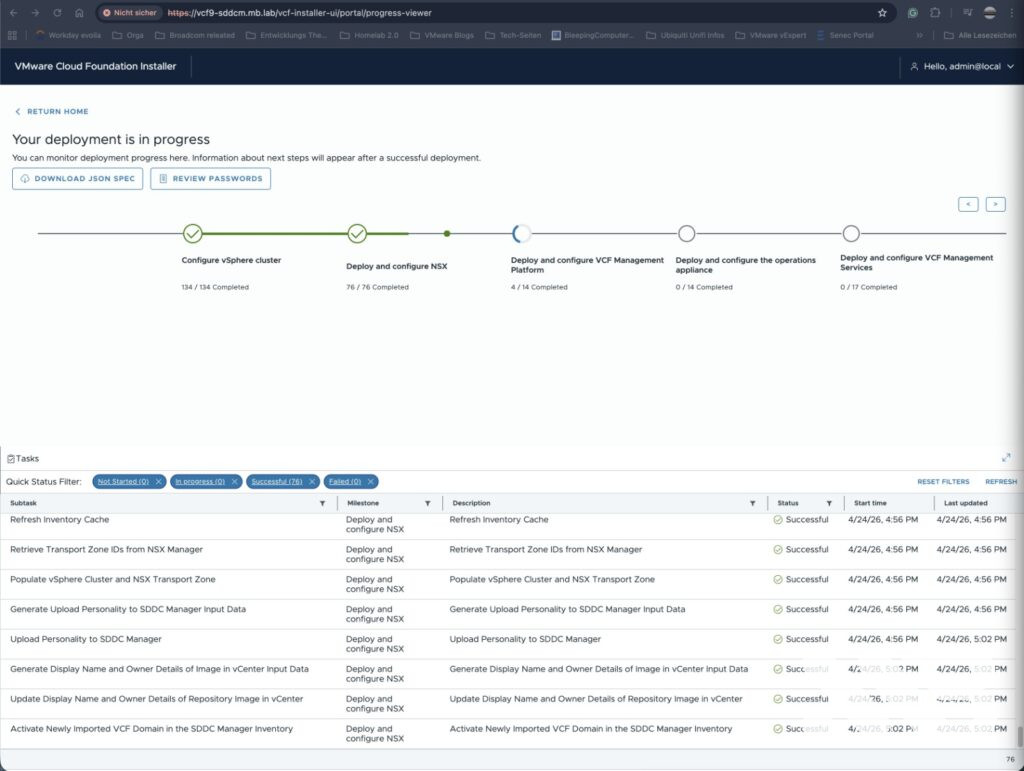
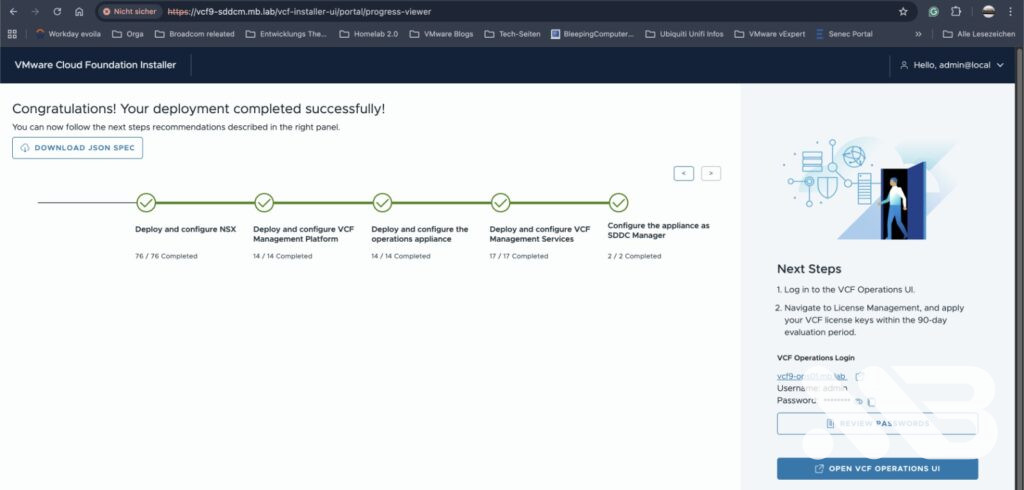
all done 😉
If you have any further questions about installing VF 9.x in a resource-constrained environment, please feel free to leave a comment or contact me directly.
Thanks, and see you in the next post 🙂

No responses yet